
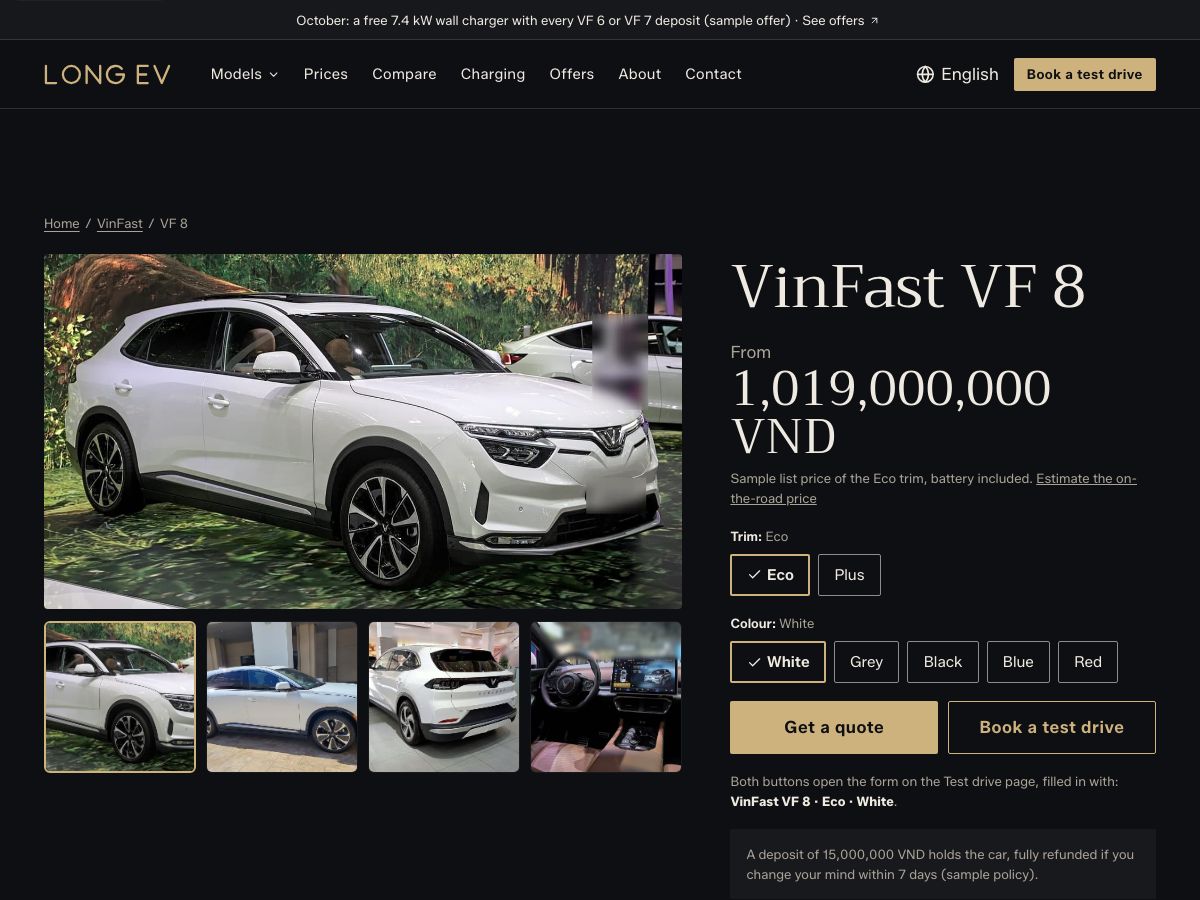
Enquiries instead of a cart
The car page shows the "from" price, trims and colours, with Get a quote and Book a test drive buttons. Both open the form on the Test drive page, already filled in with the car, trim and colour the visitor picked.
Suits: multi-brand electric car showrooms and dealers with one location that offer financing and test drives; freelancers and agencies building websites for them
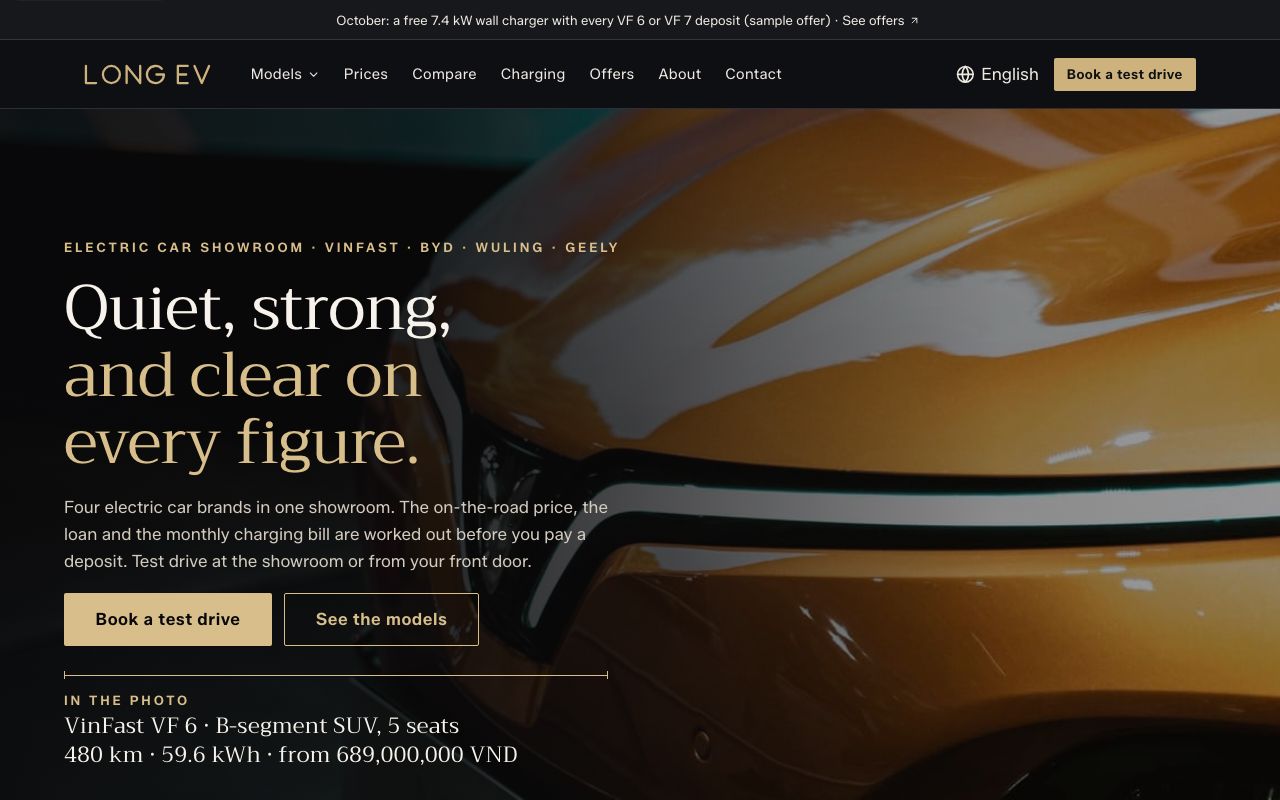
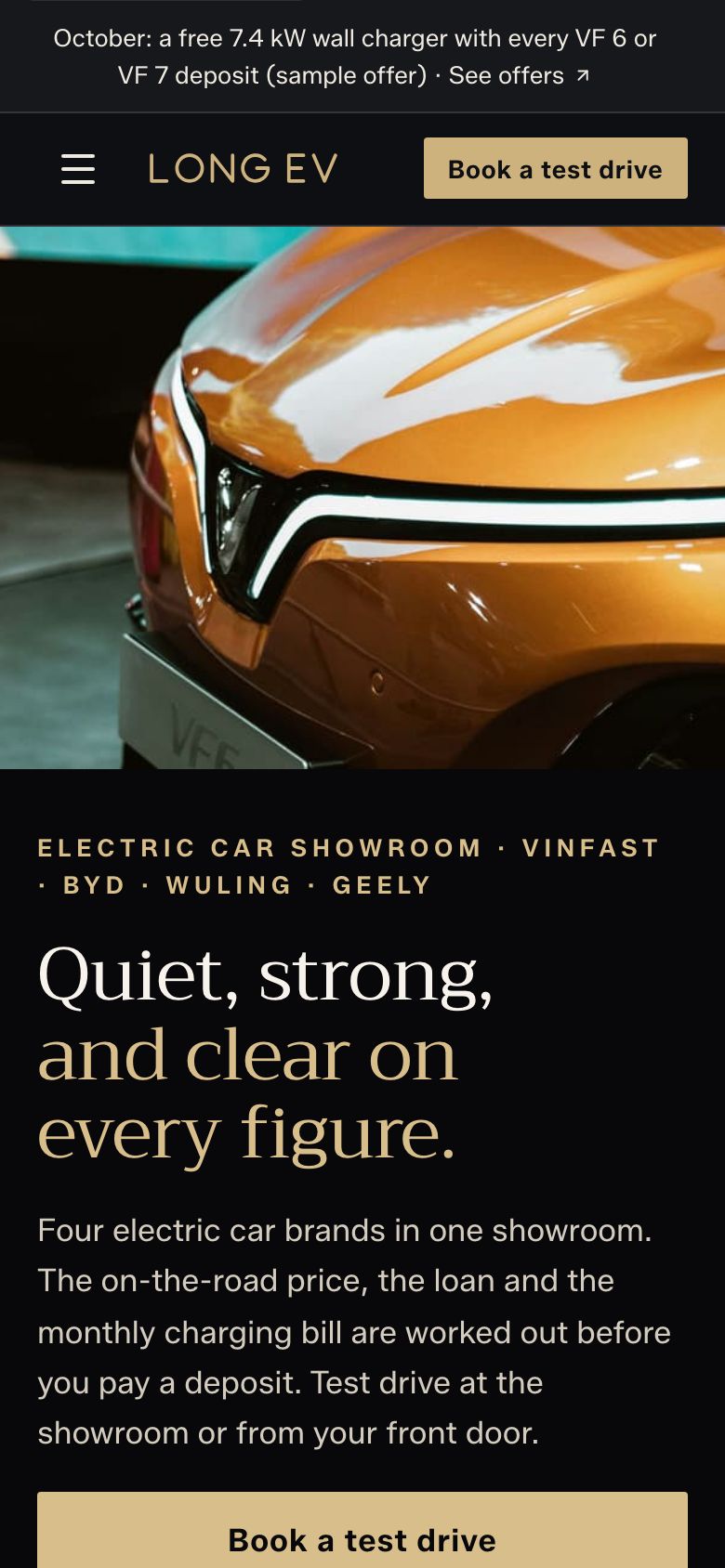
Screenshots of the live demo. Tap "View demo" to open the real thing.
EV showroomWhat the template solves
Each card is a question an electric car showroom hears before people come to see a car, and what the template already does to answer it.
On the Prices page, visitors pick a car and where it will be registered (Hanoi, Ho Chi Minh City, another province) to see each line: registration tax, number plate, inspection, 12 months of road fee, compulsory insurance and the total. Right below, the loan estimate lets them pick a 20–80 % down payment and a 3, 5, 7 or 8-year term and edit the interest rate, on a declining balance. Fees and rates are sample figures: you set them in the admin to match the current rules, because the template does not update itself when the rules change.
On the home page, visitors drag the kilometres they drive a month, choose home or station charging, and see the electricity and petrol cost per month and the difference over a year. The Charging page has the full version: pick the exact car, edit the home electricity price, the station price and the petrol price, and add up the difference over five years; below it are three cards on home charging, public charging and maintenance, and five questions. Electricity and petrol prices are sample figures, and there is no charging station map.
The Compare page puts three cars side by side, each column switchable, with eight rows from price, range and battery to fast charging and warranty, and a switch that shows only the rows that differ. Each make has its own page, while every make shares one price list and one set of specs, so the showroom does not lean towards any of them. Once a visitor has chosen, the Book a test drive button on the car page opens the form already filled in with the car, trim and colour.
Strengths
The car page shows the "from" price, trims and colours, with Get a quote and Book a test drive buttons. Both open the form on the Test drive page, already filled in with the car, trim and colour the visitor picked.
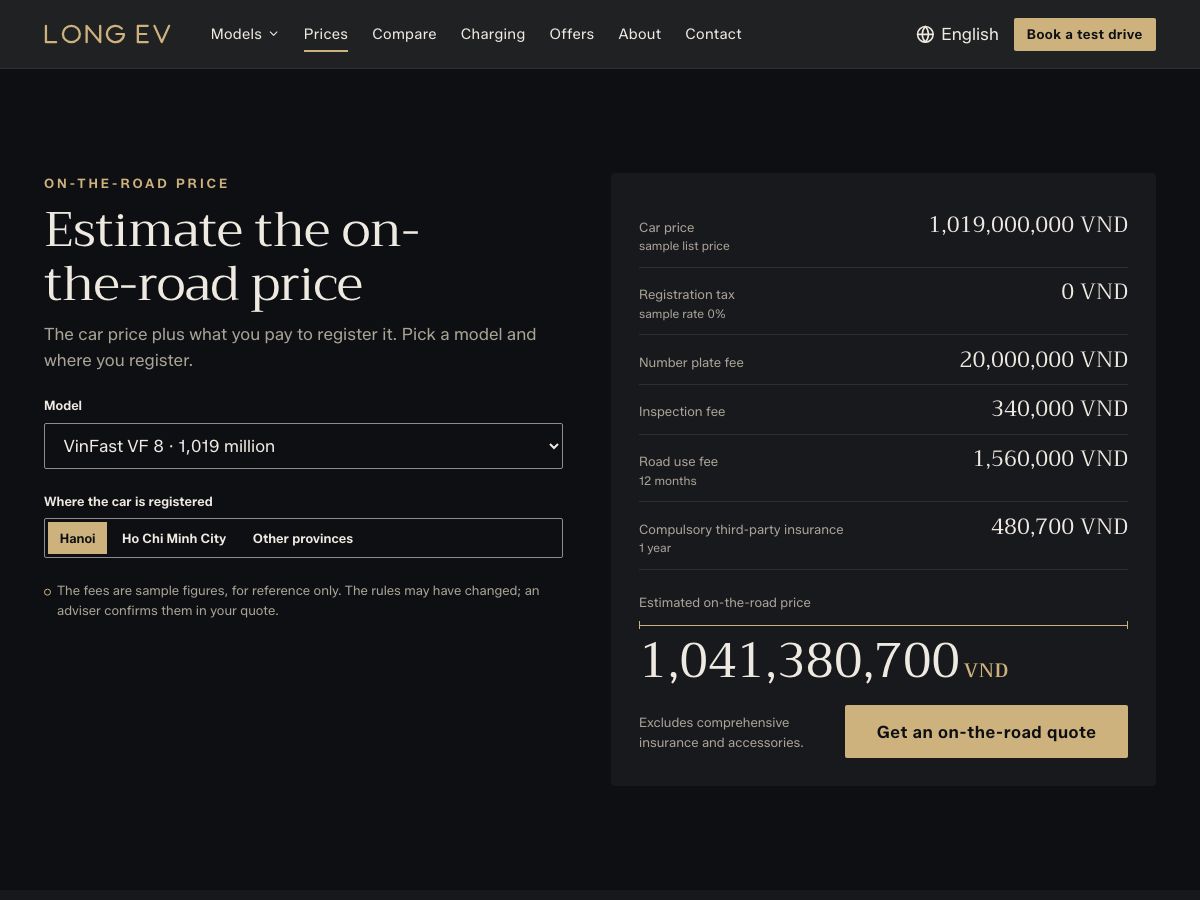
Pick a car and where it will be registered to see the price plus registration tax, number plate, inspection, road fee and compulsory insurance. Right below, a loan estimate on a declining balance. Every fee and rate is a sample figure, editable in the Tina admin.
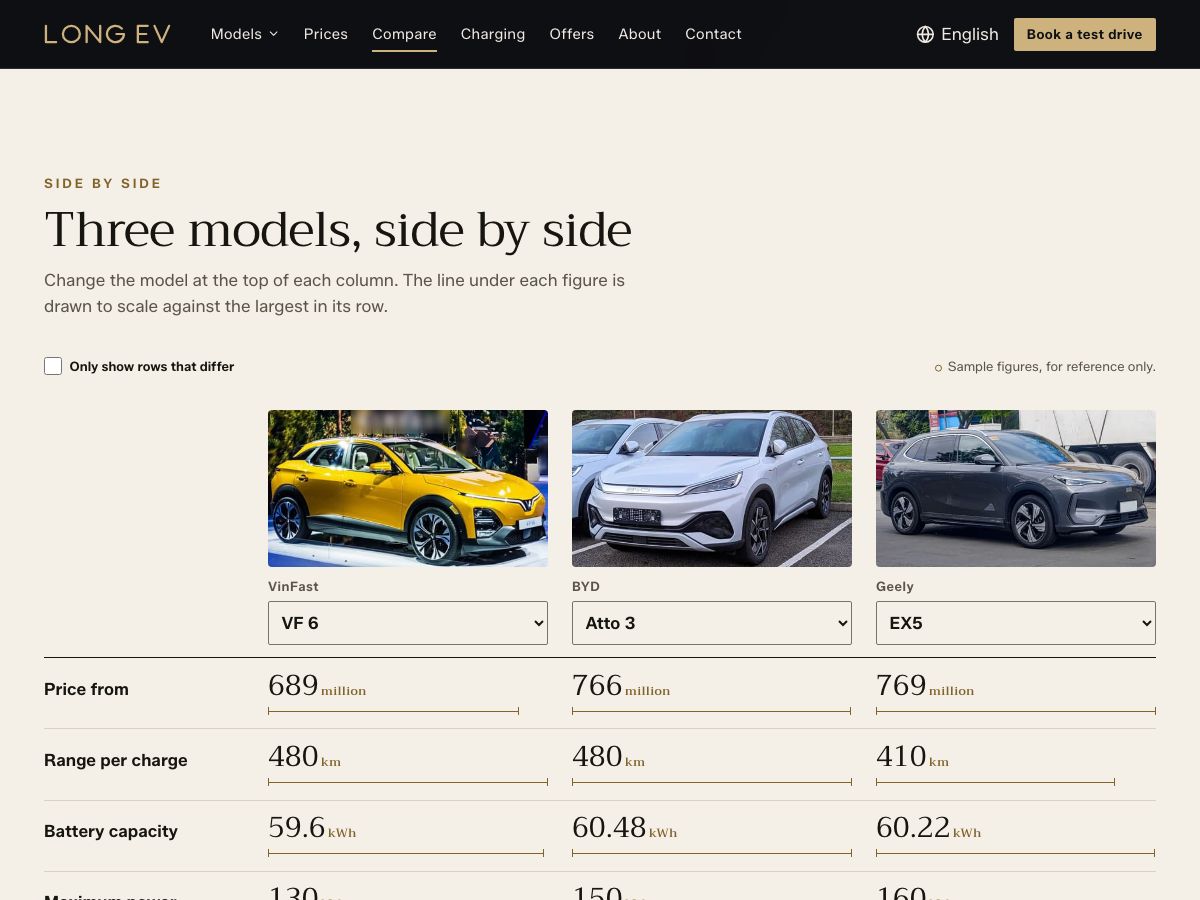
Each column can switch cars; eight rows cover price, range, battery, power, seats, size, fast charging and warranty, with a line drawn to scale under every figure. It reads on a phone without scrolling sideways.
Features
Pages in the template
A full-bleed night photo with the figures of the car in it, four makes, eight featured cars, charging costs, reasons to buy and customer words.
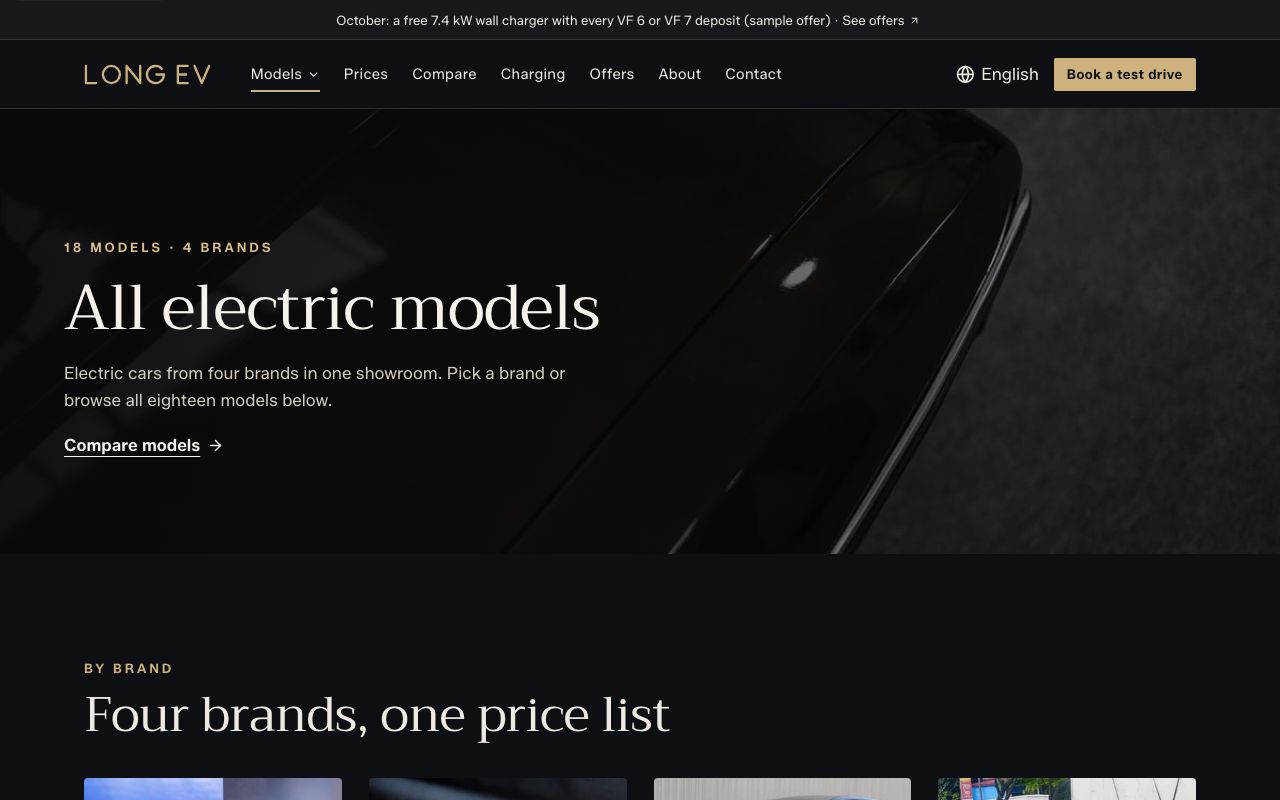
Four make cards and a grid of 18 cars, each with a "from" price, range, battery and seats.
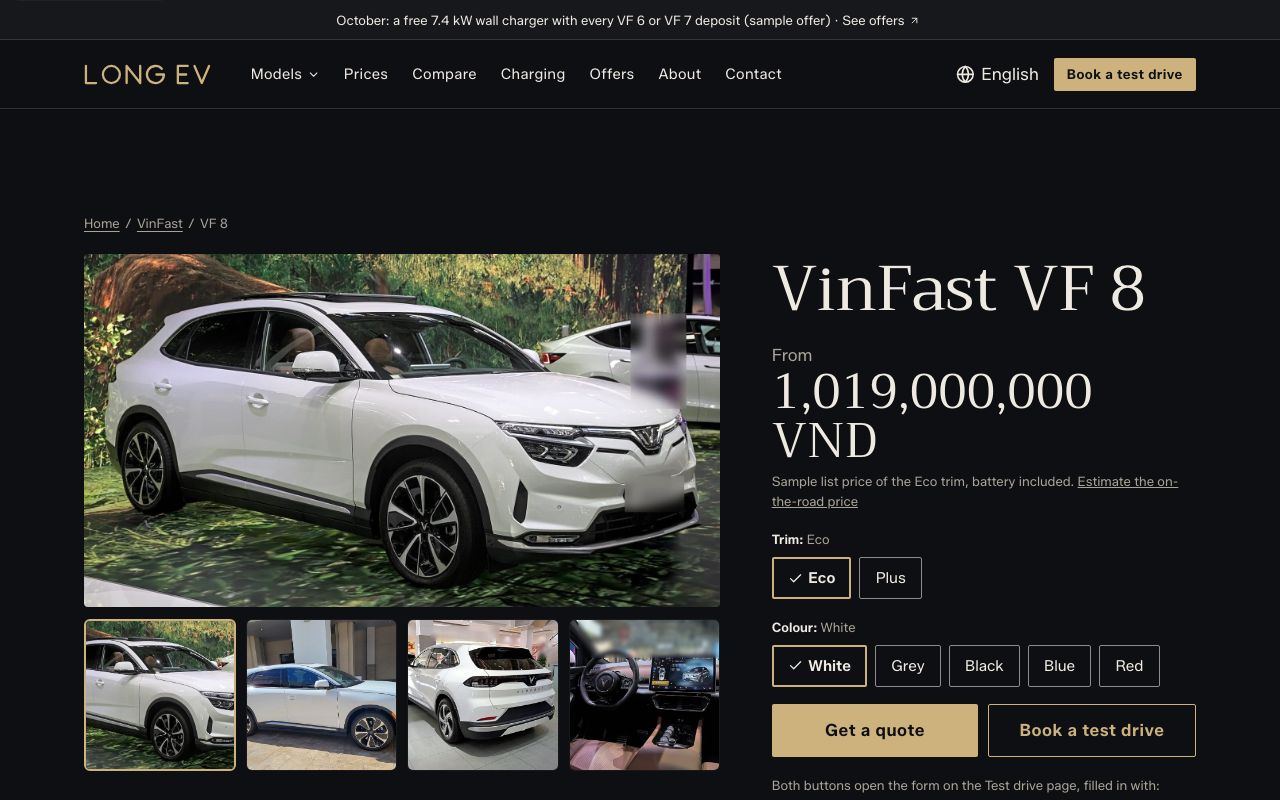
Photos, the "from" price, trims and colours, quote and test-drive buttons, key specs and more cars of the same make.
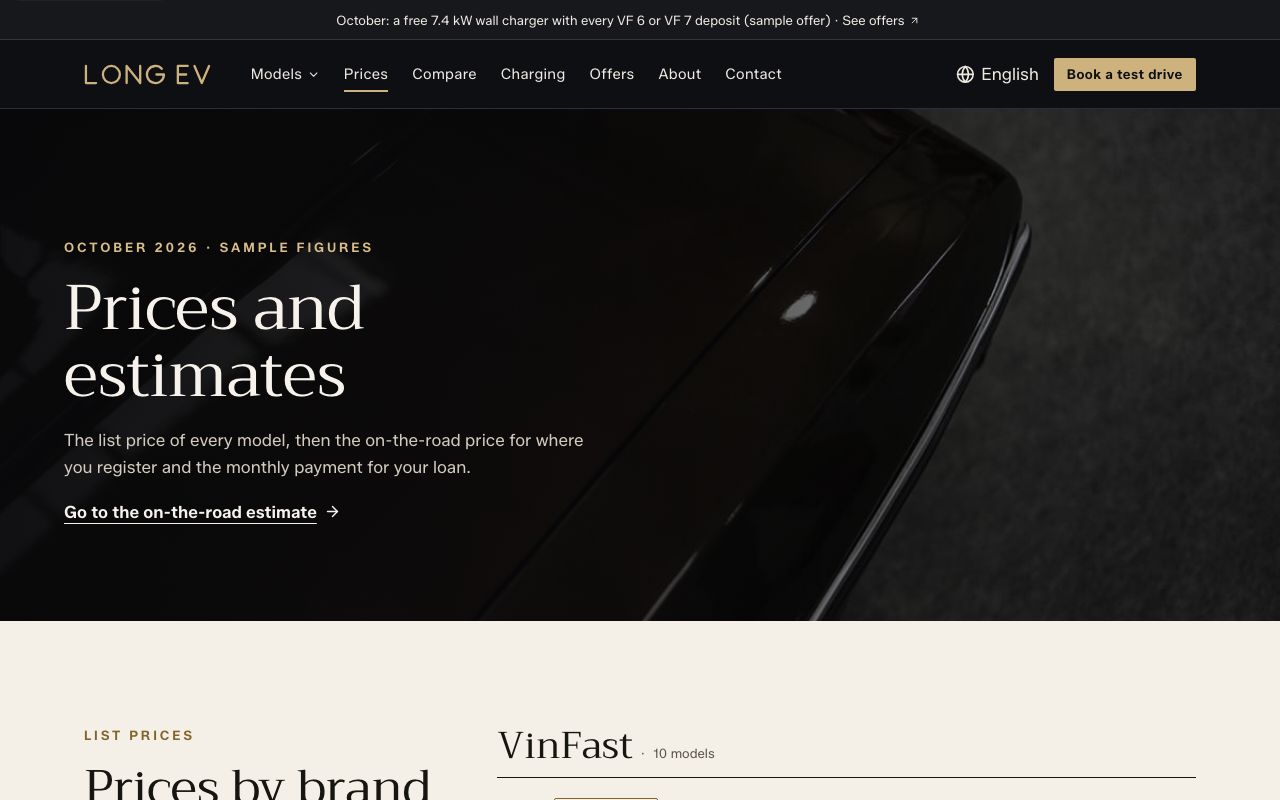
List prices of 18 cars by make, the on-the-road price, the loan estimate and questions.
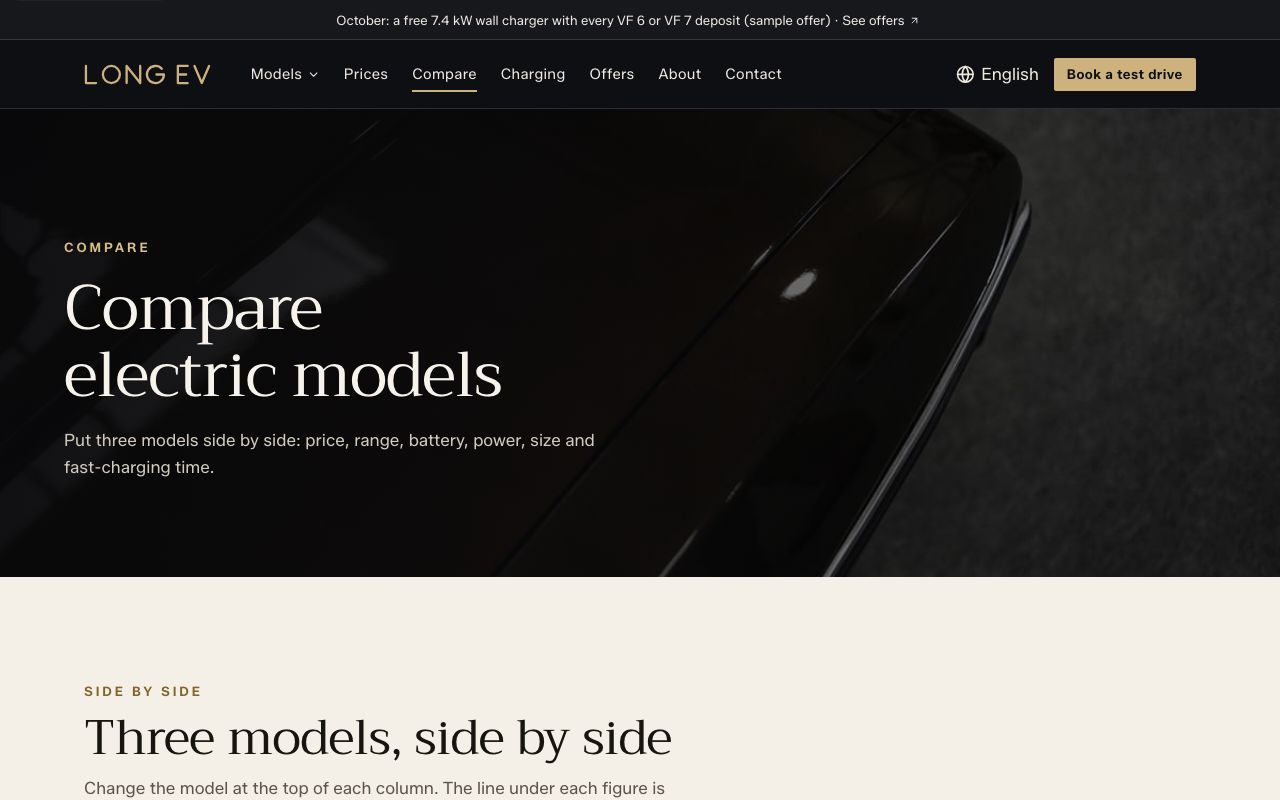
Three columns that switch cars, eight rows of specs and a scale line under every figure.
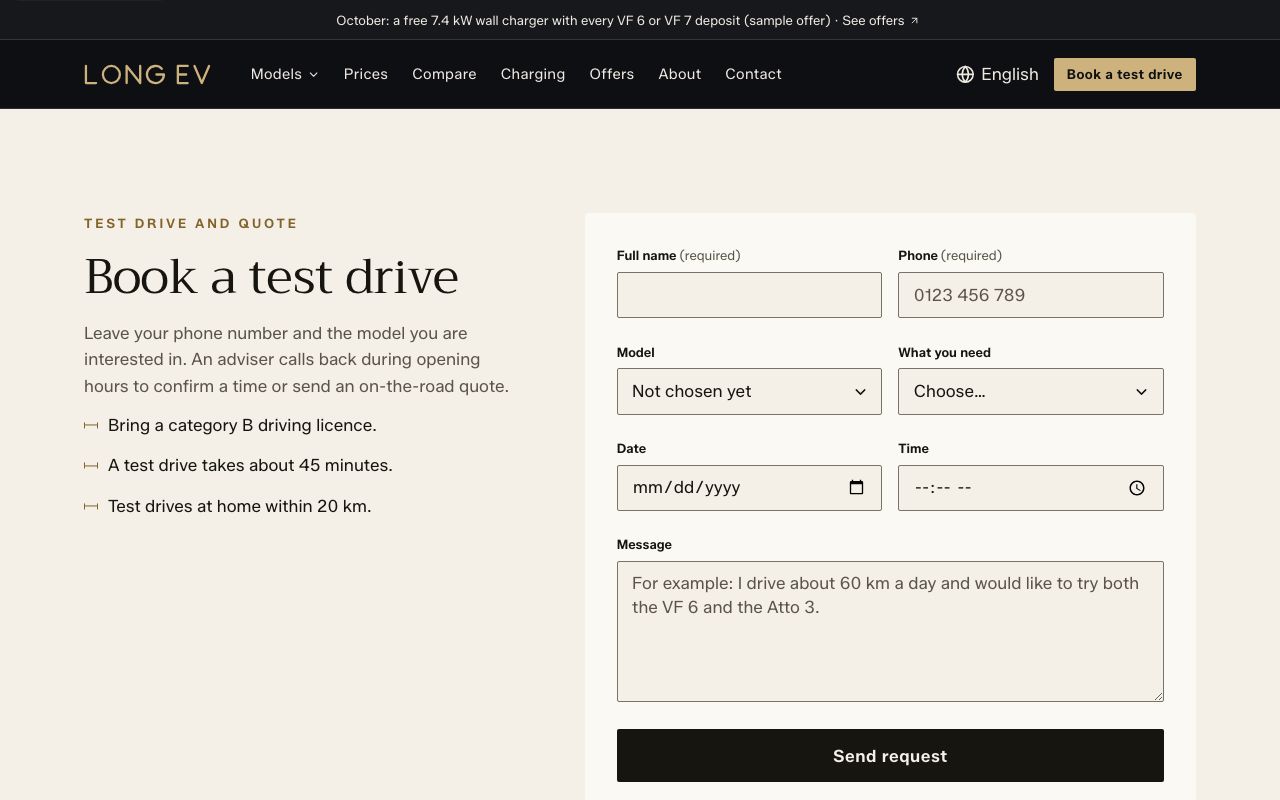
The test drive and quote form, filled in from the car page, with the showroom's address and opening hours.
FAQ
No. Long EV is a made-up name; the car prices, trims, colours, specs, on-the-road fees, interest rates, electricity and petrol prices, offers, deposit policy, address and phone number on the demo are all sample data, and the demo marks them as sample figures beside each calculator and in the footer. The fees in the on-the-road calculator are not legal rates: set them to the current rules, and update them whenever the rules change, because the template does not update itself. The three customer quotes on the home page are illustrations; replace or remove them before going live.
Change a car's price under Products in the admin and its card, its car page and the calculators follow. Two places are typed by hand and need editing separately: the price list on the Prices page and the three figures in the calculators block on the home page. Offers live on the Offers page, each with an end date, and the announcement bar at the top of the page links to it. How to edit each of these is in the user guide that comes with the template (in Vietnamese).
Several makes, yes: each make is a category with its own page, you add and edit makes and cars in the admin, and the price list and the comparison table are shared by every make. Several branches, not yet: the template is written for one showroom, and its Contact page has one address, opening hours, a call button and an email button, with no branch list, showroom map or charging station map. A showroom that sells a single make can look at the Single-brand EV showroom and Light EV showroom templates; a two-wheeler shop can look at the Electric scooter shop.
Not yet. The form on the Test drive page has seven fields (name and phone required, car, need, date, time, message) and fills in the car, trim and colour when a visitor comes from a car page. Until you set where it sends when going live, pressing send only shows a note that this is a sample site; how to set it is in the deployment doc that comes with the template. Zalo, Messenger and floating contact buttons are in the engine but the template does not use them; visitors can call with the button on the Contact page. If you would like us to wire up the form for you, that is part of the Setup package.
No. The template has no cart, deposit, online payment or customer accounts; the car pages and the Policies page only carry a sample deposit policy. The form offers four needs (test drive at the showroom, test drive at home, get a quote, financing advice), with nothing for valuing a used car or booking a service; the three after-sales services on the About page are sample text. There is also no search or car filter, the calculators' results cannot yet be saved or sent with the form, and there is nowhere to keep a list of customers: the form only sends to the address you set. Connecting the form to a CRM is part of the Enterprise plan.
The text in the template is newly written, not taken from the makers' sites. Make and car names appear only as text: the template uses no maker logos, advertising photos or videos, does not call itself an authorised dealer or distributor, and its footer says the site is not affiliated with the makes in its sample data. Car photos and background photos come from Wikimedia Commons and Unsplash and are credited on the Policies page; the badge on the car itself still shows in the photos. Ten photos are marked as ones the site owner must replace, and you should replace them with your own photos of your cars and showroom.
Standards and docs
The 11 shared standards we use to check templates, from working well on phones to docs for AI, are in the FAQ on the Templates page.
The template's source code comes with nine doc files, such as AGENTS.md (the site's handbook for AI), HUONG-DAN-SU-DUNG.md (the guide for whoever edits the content, in Vietnamese) and DEPLOY.md (how to put the site online). AI agents read them to understand the site, then edit it as you ask.
Buy the car showroom template
This template works out on-the-road prices, loans and charging costs, puts three cars side by side and has a quote form that fills itself in. Buy the source code with a workflow for going live, docs for whoever edits the site and for AI agents; if you would rather not host it yourself, we offer hosting.