Skip to content

Template gallery

Suits: studios, agencies and freelancers selling template-based websites

Home of the Template gallery template
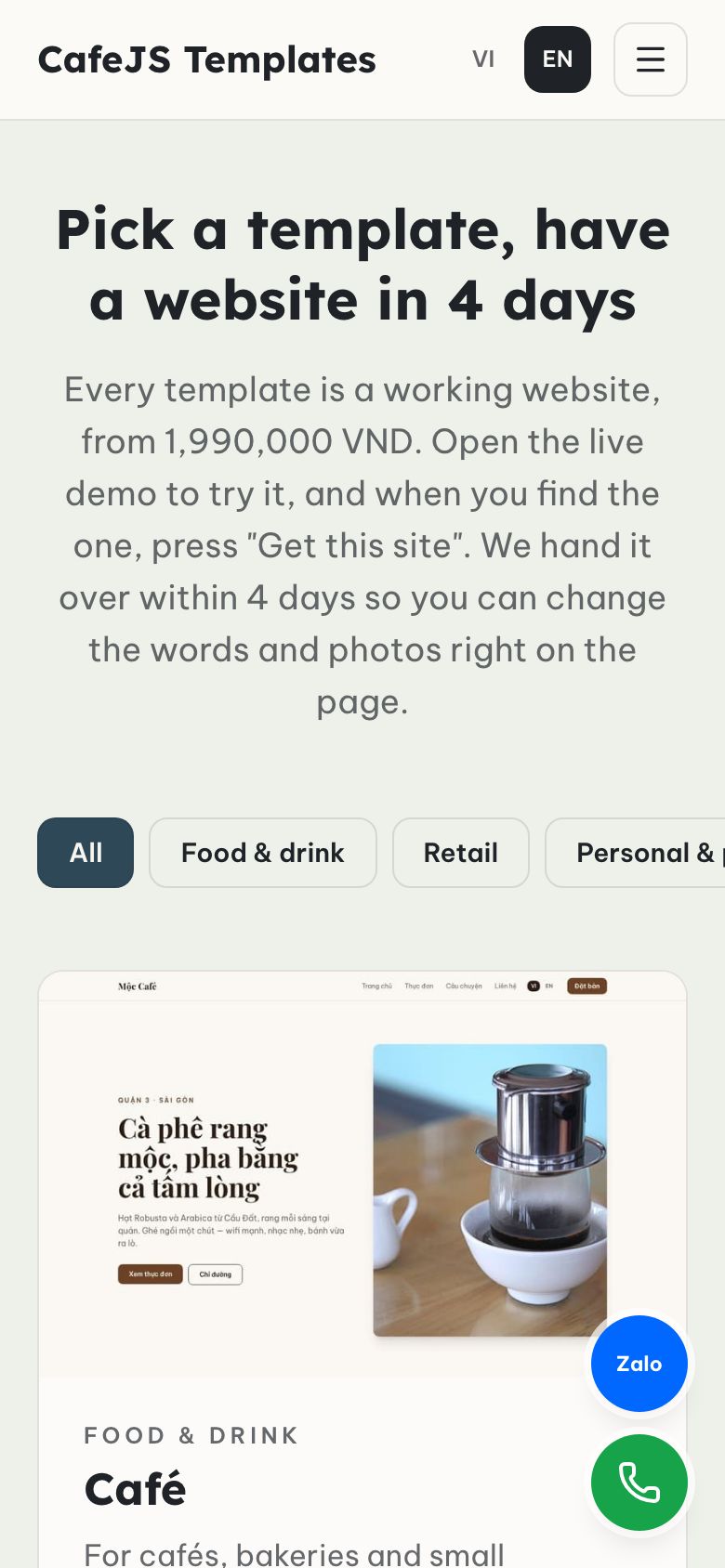
Gallery home page on a phone

Screenshots of the live demo. Tap "View demo" to open the real thing.

Strengths

Pick the right template, look closely, leave your details

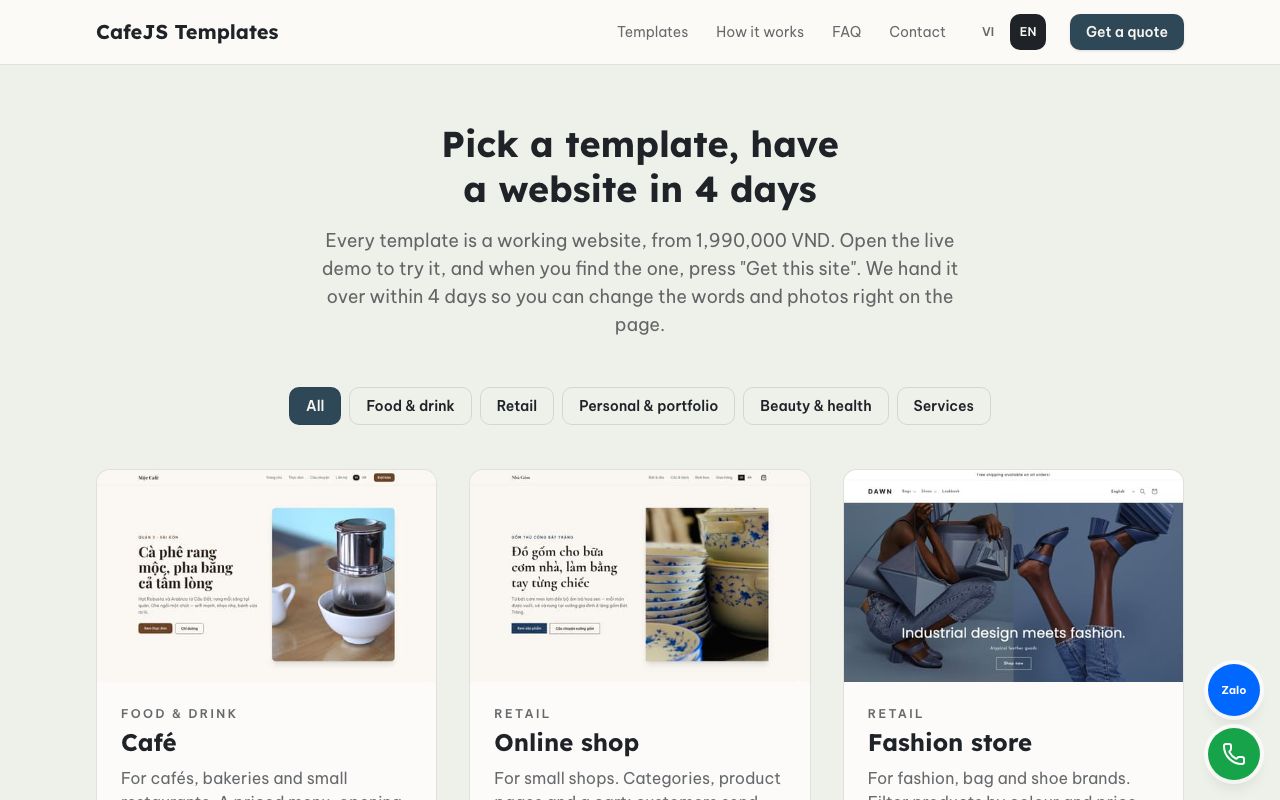
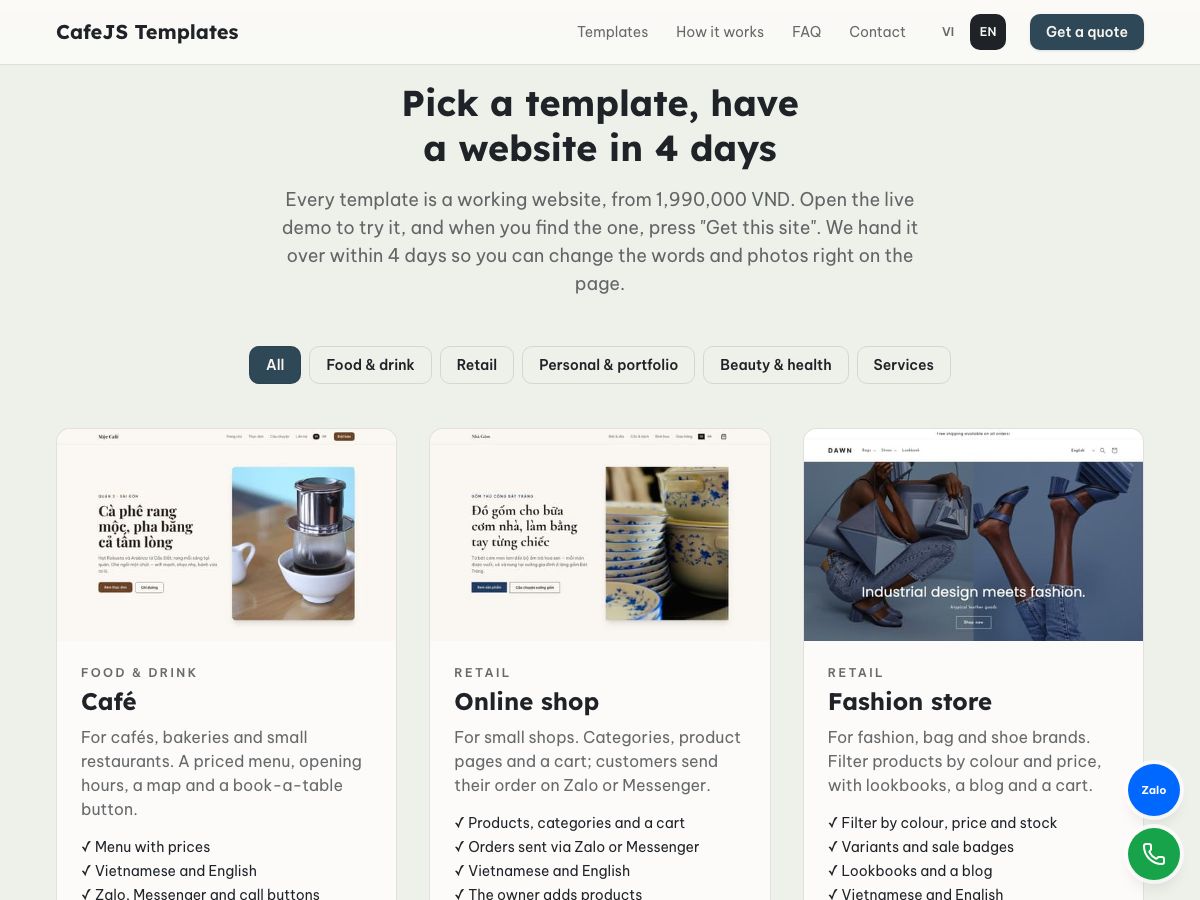
Template grid with All, Food & drink, Retail and Services filter buttons and the café, online shop and fashion template cards

Visitors find the template for their trade

Every template is a card with a screenshot, business type, short summary and up to four highlights. Visitors filter by business type, click Live demo to try the real site, or Buy this template to go to the contact page.
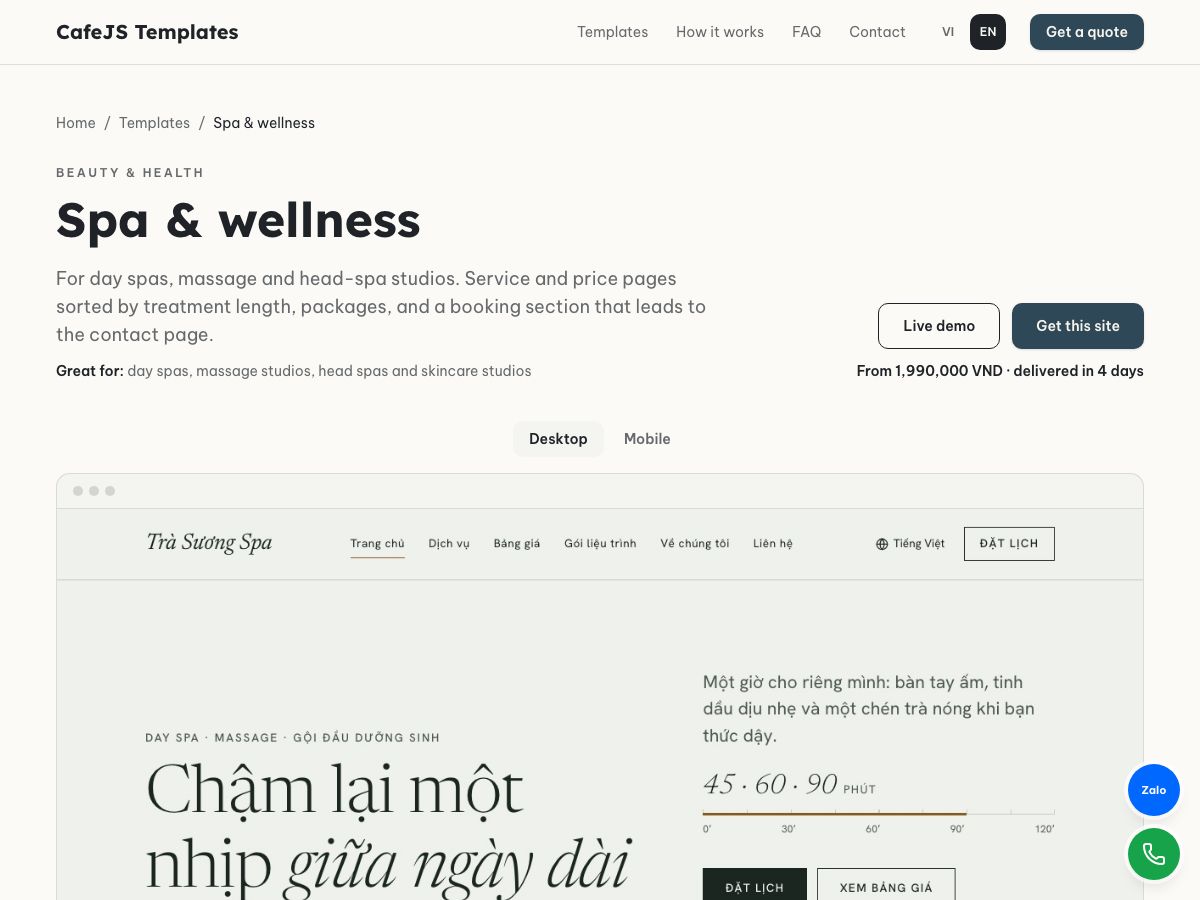
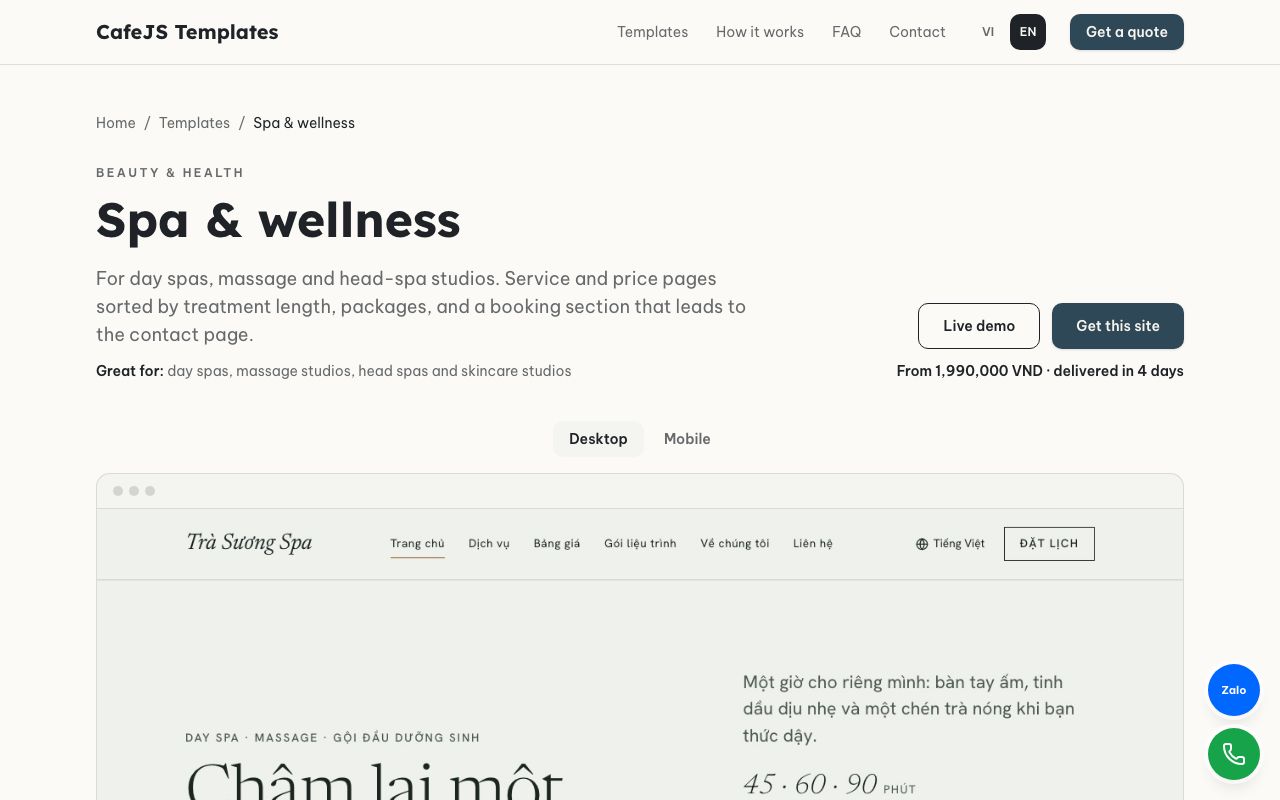
Spa template detail page with Live demo and Buy this template buttons and a preview with a Desktop and Mobile switch

A page for every template

The detail page shows a template the way theme stores do, with desktop and mobile screenshots behind a single switch. Below come three strengths with pictures, grouped features and the pages in the template, each linking to the demo.

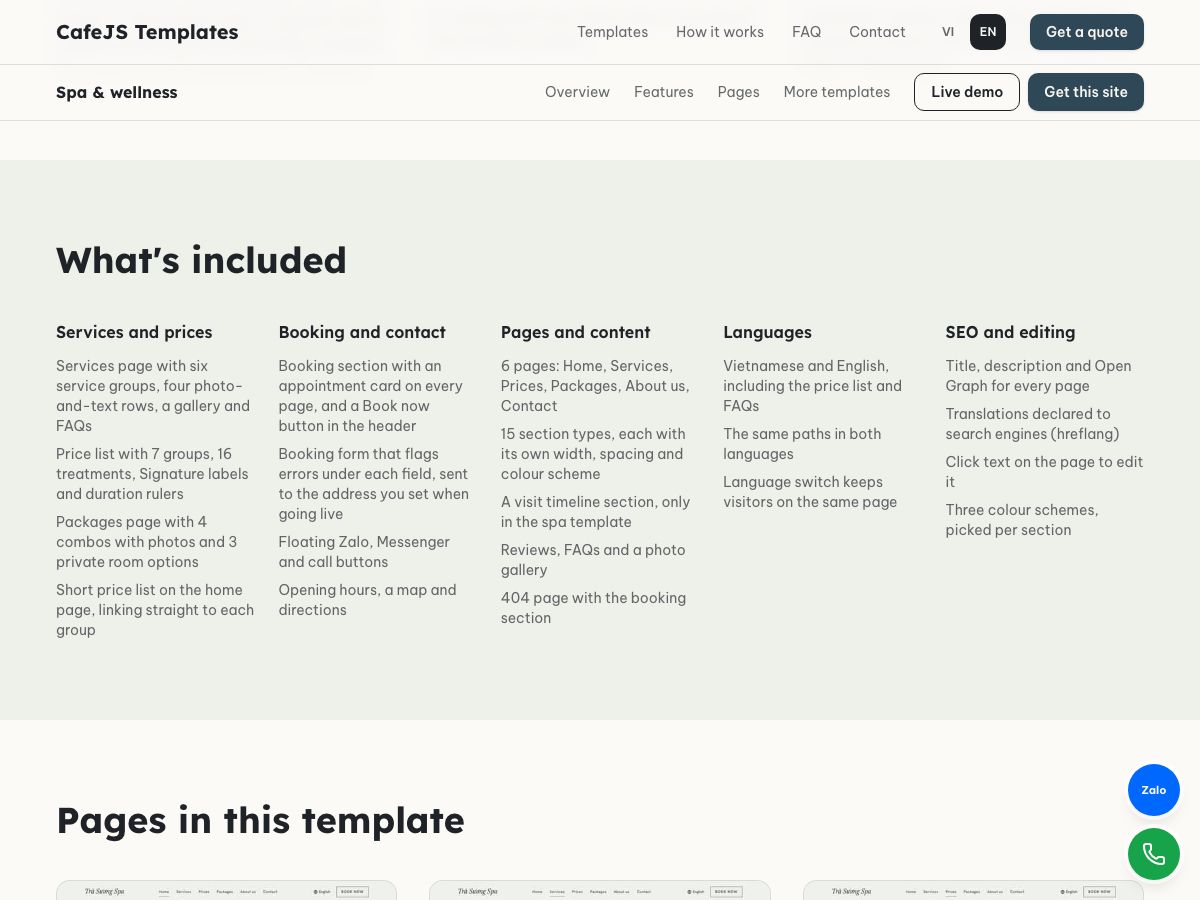
Section bar under the header with the template name, Overview, Features, Pages, More templates, Live demo and Buy this template, above the What's included section

The buy button stays in reach

As visitors scroll, the template name and the Live demo and Buy this template buttons sit right under the header, with links to each part of the page. The page ends with more templates, same business type first, and a promise strip.

Features

What comes with it

Showing templates

  • Template card grid, filtered by business type
  • Cards with a screenshot, short summary, up to 4 highlights, and Live demo and Buy this template buttons
  • A detail page for every template, with desktop and mobile previews
  • Three strengths with pictures, grouped features, and the pages in the template linking to the demo
  • More templates, same business type first
  • The fixed price of a template on every template page
  • Demos open in a frame with a way back to the template and a Buy this template button

Collecting leads

  • Form with name, business, phone, email, template and message; flags missing fields before sending
  • Buy this template opens the contact page with the template already picked
  • Spam protection with a hidden trap field and Cloudflare Turnstile
  • Leads are stored and emailed through a Worker connected when going live; until then, the contact page shows call, Zalo and email buttons
  • Floating Zalo and call buttons
  • Zalo and Messenger buttons with a ready-made message naming the template, shown once contact details are set

Pages and content

  • 3 page types: Home, Template detail, Contact
  • Home page that opens on the template grid, with a card for trades without a template, a three-step process, FAQs and a call to action
  • Promise strip at the end of every detail page, edited once for all templates
  • Add, hide and reorder templates under Templates in the Tina admin

Languages

  • Vietnamese and English, including template descriptions and form messages
  • Language switch in the header

SEO and editing

  • Title, description and share image for every page
  • Sitemap and structured data (JSON-LD) for Google
  • Translations declared to search engines (hreflang)
  • Click text on the page to edit it
  • Colours, fonts and corner style set in Site settings

Pages in the template

3 pages, each opens on the demo

  • Home of the Template gallery template
    /en

    Home

    The template grid with filters right at the top, a card for trades without a template, a three-step process, FAQs and a call to action.

  • Template detail of the Template gallery template
    /en/templates/spa

    Template detail

    Desktop and mobile previews, three strengths, features, the pages in the template and more templates.

  • Contact of the Template gallery template
    /en/contact

    Contact

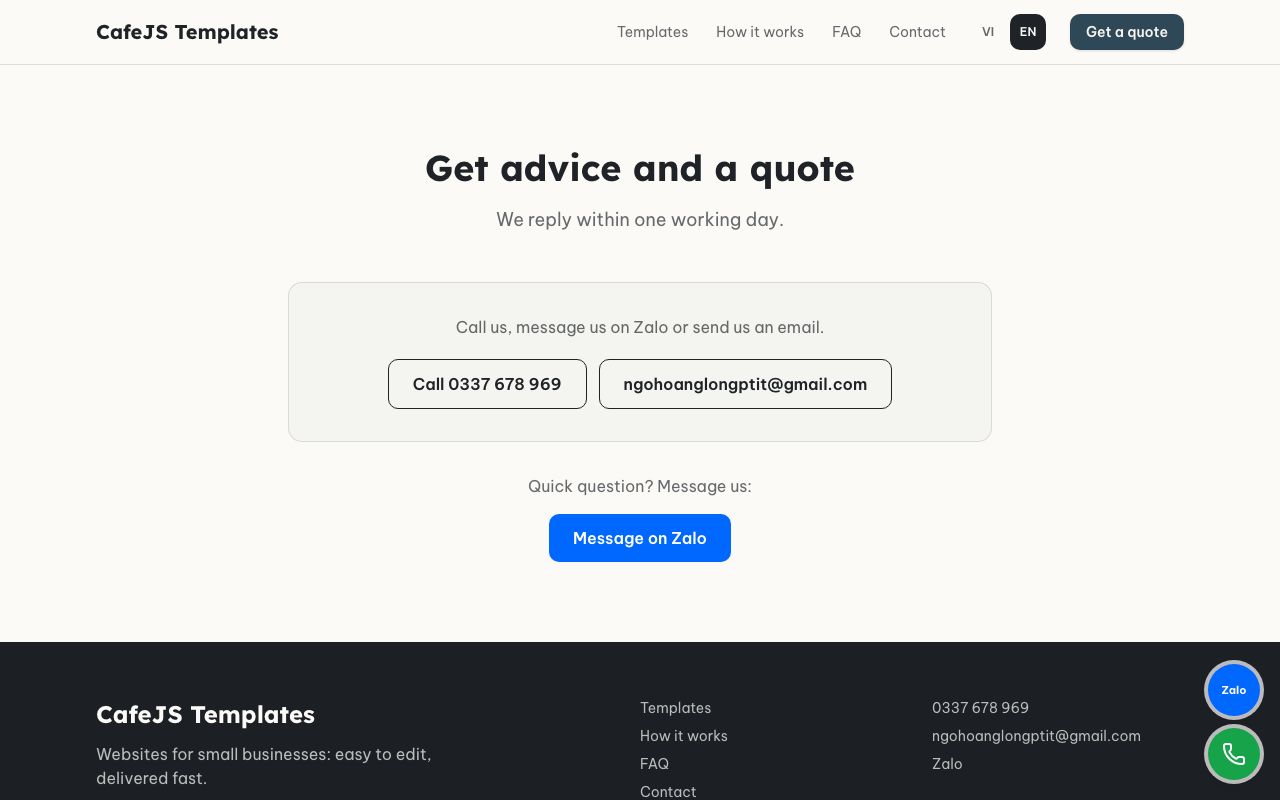
    Call, Zalo and email buttons for buying a template, with the chosen template already in the message and the email subject. The contact form turns on once the Worker is connected.

Standards and docs

Shared standards and docs for AI

The 11 shared standards we use to check templates, from working well on phones to docs for AI, are in the FAQ on the Templates page.

The template's source code comes with nine doc files, such as AGENTS.md (the site's handbook for AI), HUONG-DAN-SU-DUNG.md (the guide for whoever edits the content, in Vietnamese) and DEPLOY.md (how to put the site online). AI agents read them to understand the site, then edit it as you ask.

Buy the gallery template

Find the right template, then ask

This template has a filterable grid, detail pages with two previews and a form that keeps the chosen template. Buy the source code with a workflow for going live, docs for whoever edits the site and for AI agents; if you would rather not host it yourself, we offer hosting.

CafeJS concierge

Ask about a template

Hi, I’m the CafeJS concierge. I can help you choose a template by trade, see what it includes and understand how buying works. The only price I can give here is a template’s source code; other services are discussed once you leave your details on the contact form.